

Some new USB devices such as ADSL cable modems, SATA HDD drives, ZIP Drives, External CDROMs are hotplug devices. A hotplug device means that you can
remove the device any time without switching off the computer. If you want to remove the device, click the "Safely Remove Hardware" icon in the system
tray (a small green arrow near the clock). It's possible that you never unplug this device. So how do you get rid of the icon?
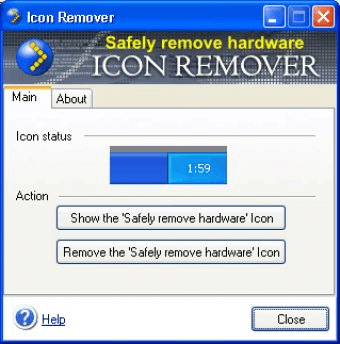
Try Icon Remover! Just click the "Remove the Safely Remove Hardware Icon" button. That's all! Now you can restart or turn off your computer easily, the
annoying icon will not appear anymore. If you want to get the icon back, just click the "Show the Safely Remove Hardware Icon" button.
Important note: unlike other such programs, Icon Remover removes the icon automatically even after you restart or turn off the computer.
Icon Remover offers you the following features:
- Removing the "Safely Remove Hardware" icon completely
- Getting the icon back at any moment
- Command line support - "/removeicon" and "/showicon" commands


It is a program that enables you to manage all the power options of your PC.


Provides a Windows tray icon that shows the status of hosts on a Nagios server.










Comments